The invoice arrives four weeks after the bug that caused it. By then the retry loop has been fixed, the holiday rush is over and nobody can say which feature spent the money. An LLM feature costs almost nothing as a prototype and then grows with every user and every token. Cost control belongs in the request path, as checks that run before the model is called, not as a tuning exercise after finance asks.
Where the money goes
Take a travel booking company in Kochi that adds a "draft my reply" button to its support desk and a WhatsApp bot for booking questions. In the pilot, with ten agents and a few hundred chats a day, the model bill is pocket change. Then December arrives, chat volume climbs, and one integration starts retrying every failed call.
A model request is priced on tokens: the ones you send and the ones the model returns. Larger models charge more per token than smaller ones. So the cost of a feature is the number of requests, times the size of each request, times the model's rate. Each control below attacks one of those three factors.
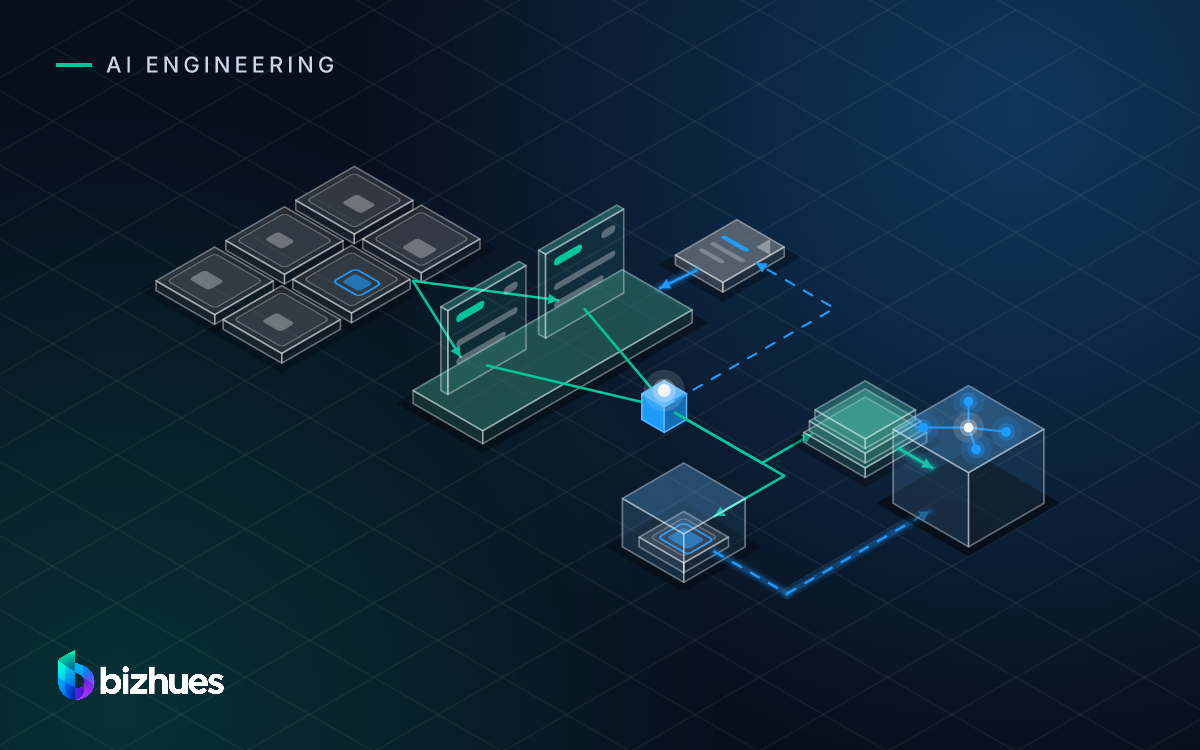
The order matters. Cheap checks go first and the model goes last.
- Input limitcap the tokens the prompt may contain
- Budget checkper user, per feature, per day
- Cachereturn a stored answer for a repeated request
- Routersmall model for simple work, large for the rest
- Model callmetered and logged
Each layer can stop or shrink the request before the next one sees it.
Limit what goes into the prompt
Input tokens are the quiet cost. A feature that passes the whole conversation, the whole booking history and every retrieved passage sends a very large request for a question that needed one paragraph.
Set a maximum on each part of the prompt: past turns, retrieved passages, characters of the customer record. Truncate deliberately, from the least useful end, and log when truncation happened so you can see later whether it hurt quality.
Limit output as well. A maximum output length stops a runaway response and makes the worst case of every request known in advance. Write those limits in config, next to the prompt, where a reviewer will see them change:
draft_reply:
  prompt_version: draft-reply-v7
  model: small
  max_input_tokens: 6000
  max_history_turns: 8
  max_retrieved_passages: 4
  max_output_tokens: 400
  daily_budget_tokens_per_user: 200000
  on_budget_exceeded: fallback_template
Budgets per user and per feature
A per-user budget is the control that stops one account, one script or one bug from spending the month's allowance in an hour. Count tokens per user per day. When the budget is reached, decline or degrade, and show the user a plain message rather than a silent failure. For paying customers, tie the budget to the plan. For an internal tool, a generous default with a hard ceiling is enough.
Per-feature budgets catch a different problem: a new feature whose cost per use turned out higher than anyone planned. When a feature hits its daily ceiling it can fall back to the small model or to a non-model path, such as a template reply, and the team hears about it the same day instead of at month-end.
Run the budget check before the model call. A check after the call only tells you the money is already spent.
Cache responses where the input repeats
Many features receive the same request again and again. The same hotel description to summarise. The same cancellation-policy question from a hundred customers. The same document to classify after an edit that changed nothing. A cache keyed on the full request, meaning prompt version, model and inputs, returns the stored response and costs nothing.
Caching works when the input is identical and the answer does not depend on time or on the user. It does not work for free-text conversation. Clear it whenever the prompt version or the model changes, which is one more reason to keep prompt versions in Git like any other code.
Providers also offer prompt caching for the fixed part of a long prompt. It reduces the cost of the repeated prefix rather than the whole request, and it is worth switching on for any prompt with a large static section, such as a cancellation policy pasted into the system prompt.
Route simple requests to a smaller model
Not every request needs the largest model. Classifying a message into five categories, pulling a travel date out of a Malayalam-English message, or rewriting a sentence in a politer tone is usually handled well by a smaller, cheaper model. Drafting a careful reply over a long, angry thread about a refund may not be.
- Classification into known labels
- Field extraction
- Short rewrites
- Repeated, well-defined tasks
- Reasoning over long context
- Drafting from several sources
- Tool use over many steps
- Cases the small model failed
The simplest router is a rule per feature: this one uses the small model, that one uses the large one. The next step is a check on the request itself, such as input length or a complex instruction, sending the hard cases up. Whatever the rule, each route is a prompt version with its own evaluation set, because the small model will fail on cases the large one handled and you need to know which ones. If the choice is between a hosted API and running a model yourself, the trade-offs are in hosted model or open-weight in your own cloud.
How LLM bills get out of hand
- Cost measured per month instead of per request, so nobody knows which feature is the expensive one.
- A cache that is never cleared, serving answers from a prompt version that was replaced weeks ago.
- Everything routed to the largest model to be safe, with no evaluation set to show the small one would have done.
- Conversation history that grows without limit, so the tenth message in a chat costs several times the first.
- Retries with no cap, so a failing integration calls the model in a loop all night.
- Budget checks after the model call instead of before it.
Meter every call, then tune the rest
Log every call with user, feature, prompt version, model, input tokens, output tokens, cache hit or miss, and route taken. From that one table you get the daily cost per feature, the top users and the cache hit rate.
Set alerts on the rate of spend, not the total. Spend per hour well above the recent average. One user above a threshold. The cache hit rate dropping after a deploy. Each of those is a bug or an abuse pattern that is cheaper to find today than when finance asks why the model line is bigger than the hosting line.
The order I would put them in:
- Meter every model call with user, feature, prompt version and token counts.
- Cap input and output tokens for each prompt.
- Add a per-user daily budget with a visible message when it is reached.
- Set a spend-rate alert that reaches a named person.
- Read a week of metering data, then decide whether caching or routing pays off.
Do the metering first. Every other control is tuned from its numbers, and it is the only thing that tells you the others are working. For the wider build of a feature like this, see our generative AI development page.