

Most integration problems are ownership problems that happen to be visible in the data. A company adds a CRM, then a marketing tool, then an ordering app, and connects each one to the last with whatever was quickest. Nobody decides which system is allowed to say what a customer's address is, so every system says something slightly different. Enterprise application integration (EAI) is the discipline of settling that question and then moving data according to the answer; the tools come second.
Three jobs inside every integration
Integration connects separate applications so that data and workflows pass between them without a person retyping anything. Inside that sentence are three distinct jobs, and it helps to keep them apart. The first is moving data, so that an order booked in the CRM reaches the ERP. The second is translating it, because the CRM calls it a party and the ERP calls it a customer, and one of them keeps the GSTIN in a notes field while the other has a proper column for it.
The third job is coordinating steps. The GST invoice should be generated only after the order is approved and stock is confirmed, and never before. Coordination is where most of the business logic hides, and it is the job that vendor demos tend to show least.
Every product in this field is a different arrangement of those three jobs. When a demo starts, it is worth asking which of the three the product does well, which it leaves to you, and where the rules for each will be written down.
Four approaches and where each fits
There are four broad shapes on the market. They are not mutually exclusive, and most companies of any size end up with two or three of them running side by side.
| Approach | Fits | Weak spot |
|---|---|---|
| Point-to-point | Two apps and one flow, such as Salesforce to QuickBooks | Every new app needs links to the apps it exchanges data with |
| Enterprise service bus (ESB) | Routing and standardizing messages between many internal systems | The bus is a shared dependency that one team has to run |
| API management (MuleSoft, Apigee, Kong) | Exposing, securing and governing APIs | It controls access to systems; it does not decide what moves when |
| iPaaS (Dell Boomi, Zapier, Workato, Azure Logic Apps) | Connecting SaaS applications with prebuilt connectors and little custom code | Logic lives in the vendor's editor, where it is harder to test and to move |
Point-to-point is a reasonable answer for a single flow, and I would not sell anyone a platform to connect two systems. It stops being reasonable as the application count grows. Take a distributor in Indore that runs Tally, a CRM, a marketing tool and a dealer ordering app. Four systems can still be drawn on a whiteboard. Add a WhatsApp ordering channel, a second warehouse and a loyalty programme, and a change to the dealer record now has to be checked in six places, each with its own translation logic written by whoever built that link.
- Each pair of apps has its own link
- A new app needs links to every app it talks to
- Field translation is repeated in each link
- Each app connects once
- A new app plugs into the hub
- Translation and security rules live in one place
The hub can be an ESB, a message broker or an iPaaS; the shape matters more than the product.
The hub does not remove complexity; it moves it to one place where it can be seen and owned. What that layer is responsible for, and how it fails, is covered in our piece on what integration middleware does and where it breaks.
Decide who owns each field first
Before any connector is configured, write down which system owns each field that will move. The distinction that matters is between a system that owns a value and one that holds a copy of it. Every system holds a copy of the dealer's billing address; only one should be allowed to say what the current value is. When the CRM and Tally disagree, the integration should already know which one wins, because that decision was made calmly in a meeting and not during the first conflict.
The same exercise covers identifiers and formats. Customer IDs, product codes and name conventions differ between systems, and the first sync between two systems that have not agreed on them produces duplicates. Cleaning those up afterwards takes far longer than agreeing on the rules beforehand, and the clean-up tends to be done by the people who were most sceptical of the project.
Security belongs in the same conversation. Every connection is a place where data leaves one system and enters another, so each one needs its own credentials with the narrowest access that works, encryption in transit, and a periodic review of who and what can read the data. Many integrations run on a single admin API key created on the first day and never rotated. Role-based access matters in the hub as much as it does in the applications on either side.
Where first projects go wrong
The most common error is connecting before agreeing on data, which is the subject of the previous section and is worth repeating because it is skipped so often. Close behind it is leaving failures without an owner. A sync stops on a Saturday night, no alert goes anywhere, and the problem surfaces on Tuesday when a dealer calls about a missing invoice. By then the backlog has its own backlog.
Scope is the next trap. A first project that tries to cover twelve flows tends to finish none of them, and the business sees no change for months, which is long enough for support to evaporate. A single flow finished properly does more for the programme than twelve flows in progress.
Finally, business users get left out of the mapping. Rules such as which address is the billing address, or what counts as an active dealer, are business rules. IT cannot settle them alone, and when it tries, the business rejects the result at the first review and the mapping is done again.
Identity first, as eLibsy plans it
eLibsy is an academic digital library built on Next.js, with search and filters, reading lists, notes and citations, librarian dashboards and role-based moderation. It is described as ready for campus SSO (Google, Microsoft, SAML) and for LMS and library integrations.
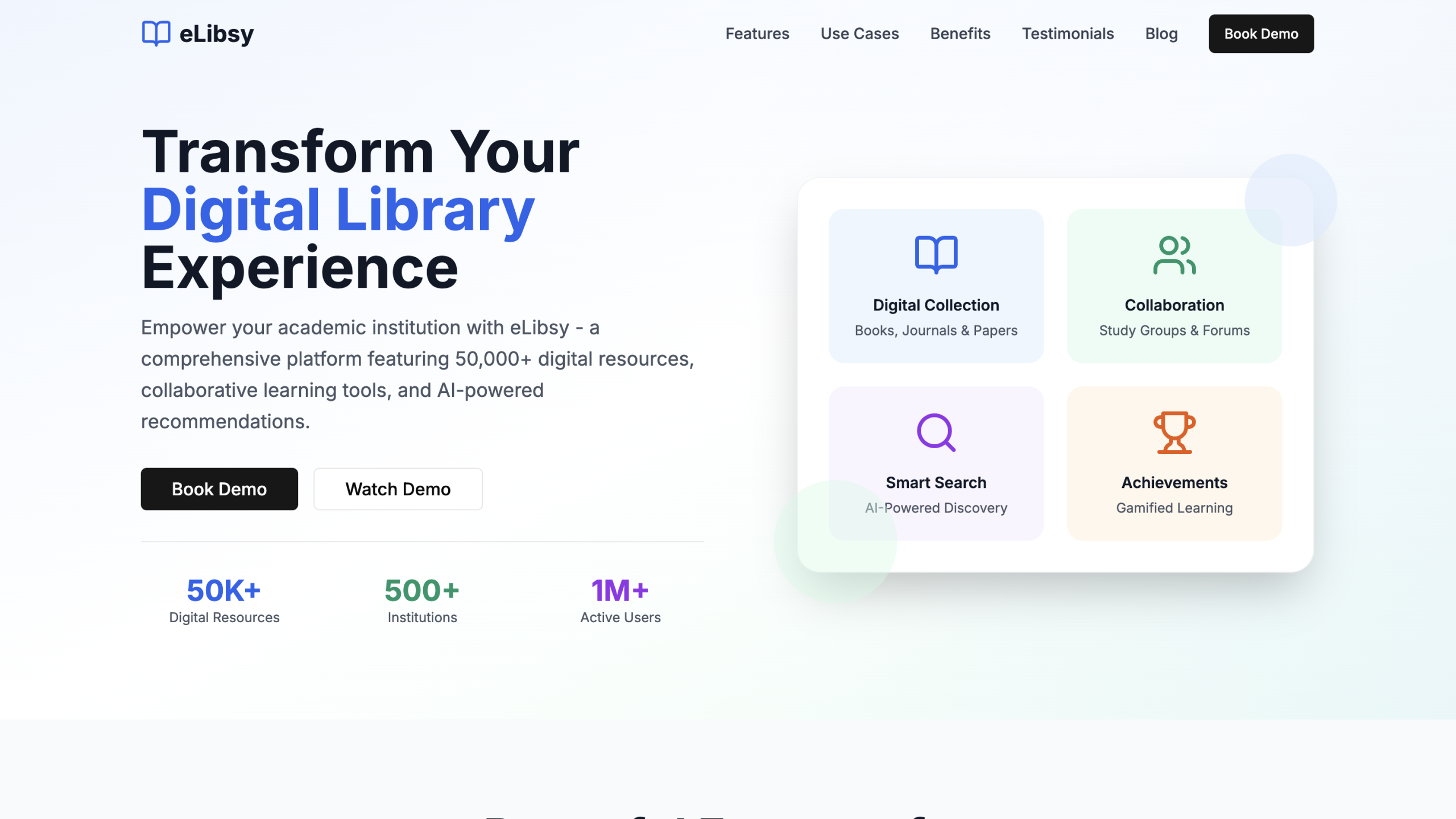
Sign-in is the integration most institutions ask for first, and for a sound reason. Roles decide what each person sees, whether that is a student, a faculty member building a reference list, or a librarian moderating reports. If identity comes from the campus system, those roles are not maintained twice. The documented rollout plan follows this order: content migration, basic metadata tuning, SSO setup, then short orientation sessions.
The order is the useful part. Identity is settled early, and the content and workflow connections follow once people can sign in with the right role. A coaching institute connecting its LMS to fee collection faces the same sequence; who a person is across systems has to be decided before their records start moving between them.
The first flow to connect
Start by listing the manual handoffs between your systems and pick the one that costs the most retyping. For that one flow, you should be able to answer three questions before anyone opens a connector tool. Which system owns each field in the flow? What ID and format rules must both sides follow? Who receives the alert when the flow fails?
Once those are answered, the choice of approach is usually obvious: a direct link for one flow, a hub or an iPaaS when more applications will join. Our enterprise application integration work starts from the same three questions. The answers matter more over time than the product does, because when the company adds its tenth application, the cost of connecting it depends almost entirely on whether ownership was written down for the first one.


