

A shopkeeper in Jaipur opens the supply app between two customers, phone in one hand, change for a twenty-rupee note in the other. He wants today's price for a carton of cooking oil. If the first thing he sees is a sign-up form, he closes the app and sends his distributor a WhatsApp message instead, and by the third week your app is an icon he scrolls past. The apps people open every day get called "addictive", but what brings the shopkeeper back is a set of ordinary design and engineering decisions you can make on purpose.
The first screen has to give something
Most onboarding asks before it gives. The first screen wants a phone number, the second wants location, the third wants a shop photo and a GST number. Your user came to check one price. Show him the price list first, and ask for the number when there is an order to save.
- 01Open the appno form wall
- 02See pricestoday's list
- 03First actionadd to cart
- 04Verify phoneOTP to save it
- 05Business detailsat first order
The first useful action comes before any request the user could reasonably refuse.
An OTP on the phone number is enough to start an account. The GST number and bank details can wait until the first order, when the shopkeeper can see why you need them. Progress indicators and short tips help for the same reason, because they cut effort. A tour of every screen does the opposite, because he is not reading, he is scanning for the one thing he came for.
Permissions follow the same rule. Ask when the feature needs it, on the screen where the reason is obvious.
| Permission | Ask when | What the user sees before the prompt |
|---|---|---|
| Location | They open delivery slots | A line saying slots depend on the shop's area |
| Notifications | They place the first order | A switch labelled "Tell me when it ships" |
| Camera | They tap "Scan barcode" | The scan screen itself |
| Contacts | Only if a feature truly needs them | A way to type the number by hand instead |
Feedback that tells you the tap worked
A short vibration when the order goes through, a tick that appears where the button was, a count that changes on the cart icon. These small responses, usually called micro-interactions, matter most in the conditions your users are actually in: sunlight on the screen, a cracked protector, a network that takes four seconds to answer. Without a response, the shopkeeper taps again and places the order twice.
Keep each effect short, and give the same event the same response everywhere, so people learn what "done" looks like in your app. Respect the phone's reduced-motion setting. Never let colour or animation carry the message alone, because on a dim, budget handset held at arm's length a green tick and a grey one can look the same. Pair it with a word: "Ordered".
Speed is a design decision
A beautiful screen that takes three seconds to react feels broken in the hand. The worst case is the cold start, when the app has been closed and has to load everything again. If it fetches the full catalogue, the offers banner and the order history before showing anything, the shopkeeper waits through all of it to see one price. Load the price list first and fetch the rest after.
Agree on how fast the main screens should respond on a mid-range Android phone on 4G, and test against that, not on the newest phone on the team's desk. The same goes for the menu. Keep the top-level destinations few, label them in the words your users use ("Orders", not "Fulfilment"), and make the back button go where people expect. On the second visit, nobody should have to hunt for the reorder button.
Personalisation you can see and switch off
An app that adapts to what a person does feels more useful. If the shop buys the same twelve items every week, putting them at the top of the catalogue saves a lot of scrolling. Base it on what the person has actually done in the app, not on assumptions about who they are, and let them see what the app has concluded. A small line saying "Sorted by what you order most" with a switch beside it is enough.
Progress bars, streaks and badges, often grouped under the name gamification, help when they reflect progress the user cares about. A delivery tracker that fills as the order moves is useful. A streak that resets because the shop was shut on Sunday is an insult, and an uninstall usually follows.
Saved work is a better reason to return
eLibsy is a web product rather than a native app, but it shows a kind of return use worth designing for. It is an academic digital library built as a responsive web product on Next.js, deployed on Vercel and AWS. Its documented features include search with filters, reading lists with importance levels, notes and citations, community features, and librarian dashboards with analytics. The accessibility target is WCAG 2.1.
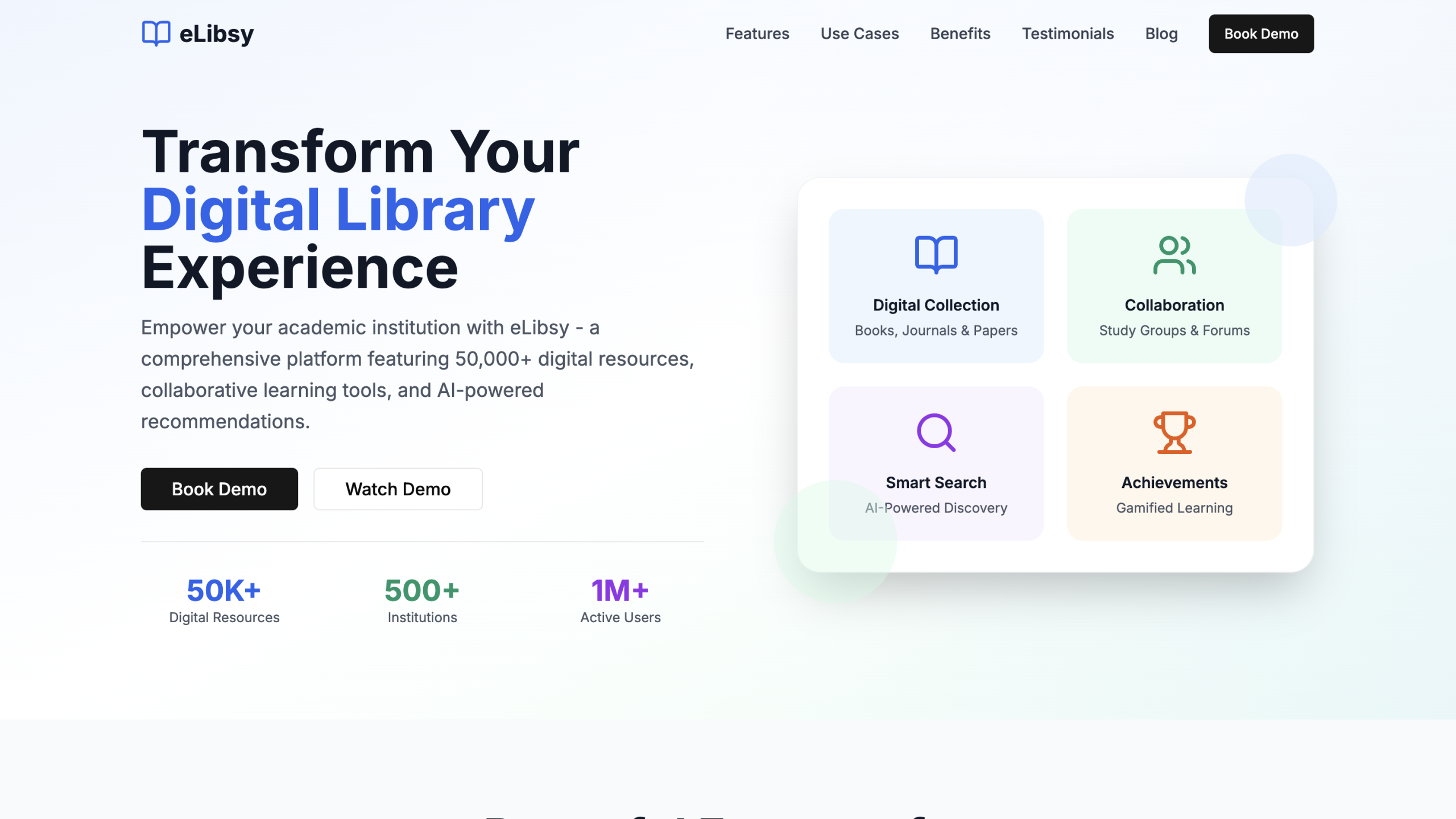
Reading lists and notes give a student something of their own waiting in the product. That is a reason to come back that needs no reminder and no streak. The WCAG 2.1 target is a reminder that "people who come back" includes people using screen readers and the largest text setting, and that holds for a native app as much as for the mobile-first web pages eLibsy uses.
Where habit design becomes a trap
Dark patterns, meaning screens built to steer people against their own interest, raise usage for a while and cost trust after that. Shopkeepers in the same market talk to each other.
- Progress that is real
- Reminders the user chose
- Easy to cancel or leave
- Limits when asked
- Feeds with no end
- Guilt in the copy
- Hidden cancellation
- Pings to pull people back
Both columns can raise usage in the first month; only one keeps it.
The test we use is plain. If the shopkeeper understood exactly why a screen is built the way it is, would he still be comfortable with it? If the honest answer is no, change the screen.
The quieter mistakes are more common than outright tricks. Onboarding gets designed once and never watched again. Every permission gets requested at first launch. Animations go in late, with nobody checking a mid-range phone or the reduced-motion setting. A badge system gets copied from a fitness app into a supply app without anyone asking whether a shopkeeper wants a badge. And accessibility waits until the end, when moving a layout is expensive and nobody wants to open the ticket.
Test it with five shopkeepers
Before release, put the app in five real users' hands, on their own phones, at their own counters if you can. Watch rather than explain. Check these on each screen:
- A new user reaches the first useful action in under a minute without making an account.
- Each permission prompt appears on the screen that needs it.
- The main screens work at the largest text size and with a screen reader.
- Every tap gets a visible response within a moment on a mid-range phone.
- Turning off notifications and leaving the app are both easy to find.
If you are planning the build itself, our notes on mobile app development cover how we scope it. Start with the first check this week. One afternoon with five shopkeepers and a stopwatch shows you most of what is wrong with your onboarding.


