

The monthly website report at a Noida manufacturer has traffic, bounce rate and a PageSpeed score on it, and the MD still asks whether the site produced a single enquiry. Nobody in the room can answer. A website is doing its job when the right people arrive, the pages work on the phones they carry, and enough of them take the next step. The seven metrics below cover that whole path, from how a page loads to what happens after someone submits the form.
Speed and Core Web Vitals
Speed comes first because everything else sits behind it. A visitor who leaves before the page draws never sees your offer.
Core Web Vitals split that experience into three measurements, and they are the first three metrics on the list.
- Largest Contentful Paint (LCP) is how quickly the main content appears, usually the hero image or the first block of text.
- Interaction to Next Paint (INP) is how quickly the page responds when someone taps or types. It replaced First Input Delay, which older guides still mention.
- Cumulative Layout Shift (CLS) is how much the layout jumps while loading, the thing that makes you tap the wrong button on a phone.
PageSpeed Insights and Lighthouse give you lab numbers from one simulated device on one connection. Your visitors are on a mix of 4G and office Wi-Fi, so collect field data from them too. The web-vitals library does that in a few lines:
import { onLCP, onINP, onCLS } from 'web-vitals';

function send(metric) {
  navigator.sendBeacon('/vitals', JSON.stringify({
    name: metric.name, value: metric.value, page: location.pathname,
  }));
}
onLCP(send); onINP(send); onCLS(send);
When a number is bad, open the network tab and sort by size. Oversized images, a slider nobody uses and third-party scripts added one at a time are the usual suspects. The fix is nearly always to ship less JavaScript and serve properly sized images, more than to change the framework. Our guide to making a web app faster and safer goes deeper on those fixes.
Mobile layout, checked on a phone
The fourth metric is whether the site works on a phone, and a layout that collapses into one column is only the start. Check tap targets, forms, tables and anything that scrolls sideways. Check the sticky header that covers half the screen when the keyboard opens.
Do it on a mid-range Android phone, the kind most of your visitors carry, and not only in the desktop browser's device mode. Frameworks such as Tailwind or Bootstrap help you build responsive layouts, but they do not test the result.
HTTPS and uptime
Fifth, the site has to be reachable and trusted. A site without a valid certificate shows a browser warning, and a site that is down on the evening a Diwali campaign goes live loses the visit and the ad money behind it.
The basics are a certificate that renews automatically, hosting you trust, and an uptime monitor such as UptimeRobot that alerts a named person when the site stops answering. A person, not a shared mailbox that nobody opens.
Where bounce rate and traffic sources mislead
The sixth metric is engagement per page and per traffic source, and it is the one most often misread.
A high bounce rate on a page that fully answers the question, such as a branch address or a contact page, is fine. A high bounce rate on a page that should lead somewhere is a problem. A site-wide average hides both, so look at the highest-bounce pages one at a time and ask what the visitor needed there.
Traffic sources need the same treatment. Organic, paid, social and referral visitors behave differently. If a paid campaign brings far more visitors than organic search and far fewer enquiries, a report that counts sessions will call it a success.
GA4 can split all of this by channel and page, but only if the events are set up. Out of the box it records page views, not enquiries. It is common to find a site that has run GA4 for a year without the enquiry form ever being tracked as an event.
Decide what a conversion is first
The seventh metric, conversion, is the one the other six serve. It only means something once your team agrees what counts: a form submitted, a demo requested, a purchase completed, a WhatsApp chat started.
- 01Search or linkvisitor arrives
- 02Landing pageanswers the question
- 03Enquiryform or booking
- 04Qualified leadenough detail to act on
Track each hand-off separately so you can see where visitors drop out.
A form that asks too little leaves sales chasing basics over email for two days. One that asks too much loses people at the third field. The right set of fields is whatever your team needs to send a useful first reply. For a machine tools manufacturer that might be the application and the city. For a coaching institute, it might be the student's class and exam board.
Two sites built around the enquiry path
BéloVélo runs guided luxury cycling tours in France. BizHues built its site so every itinerary page follows the same template: route overview, highlights, what is included, availability and FAQs. Booking and inquiry buttons sit where interest is highest, and the inquiry form gathers dates, fitness level and bike preference so the team can reply with something specific. Visitors can leave an email for stage announcements, pages for time-sensitive stage trips can be published quickly, and the team updates routes, dates and prices without engineers.

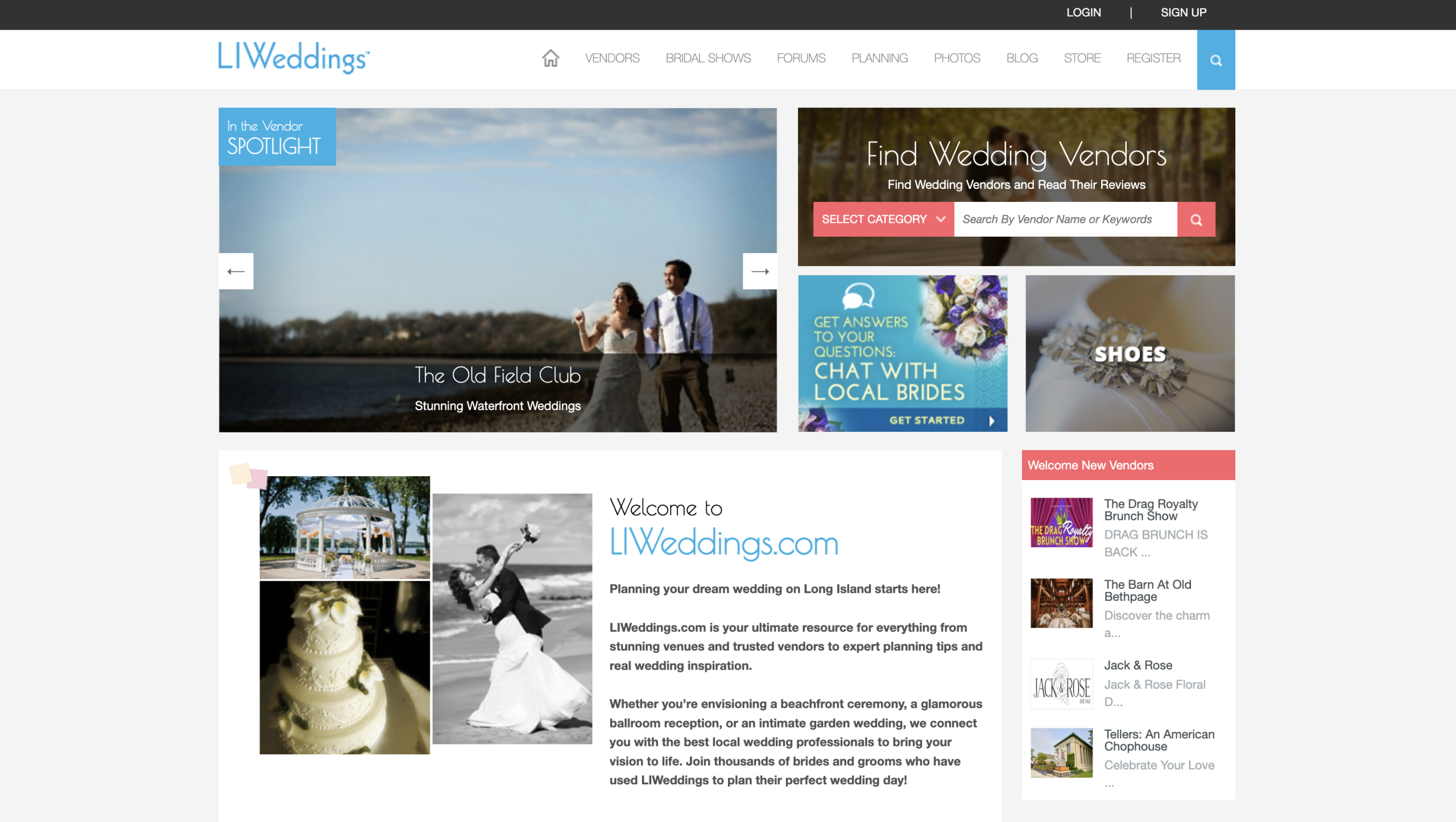
LIWeddings, a Long Island wedding vendor marketplace, needed visibility across the path from search to vendor profile to inquiry. BizHues rebuilt it as a Laravel application using Blade and Livewire, with search through Laravel Scout on MeiliSearch or OpenSearch. Vendor profiles carry lead forms with optional qualifying questions. Response and fragment caching with a CloudFront CDN keep pages fast, structured data supports search visibility, and server-side events record the funnel from search to inquiry to booked. The LIWeddings project story covers the rebuild.
In both, speed, page structure and measurement were treated as one job instead of three separate tickets. That is how we approach web development generally.
A monthly review list
- Check LCP, INP and CLS on your five most visited pages, on a phone. Measure on the real page, not the homepage.
- Open your enquiry form on a phone and submit it yourself.
- Compare conversions by traffic source, not total visits.
- List the highest-bounce pages and decide which ones should lead somewhere.
- Confirm the certificate renews and the uptime alert reaches a real person.
If you do only one thing this month, get your team to agree in writing what counts as a conversion, and set it up as an event in GA4. Until that exists, the other six numbers have nothing to be measured against.
From our work
LIWeddings
Planning your dream wedding on Long Island starts here!
Read the project story

